TL;DR
INPA is BMW’s workshop diagnostic program for older models. On the E36 it reads and clears fault memories across the car’s control units, shows live data and runs some actuator tests. A generic OBD2 scanner can’t do any of that, and on 1992–1995 OBD1 cars it can’t connect at all.
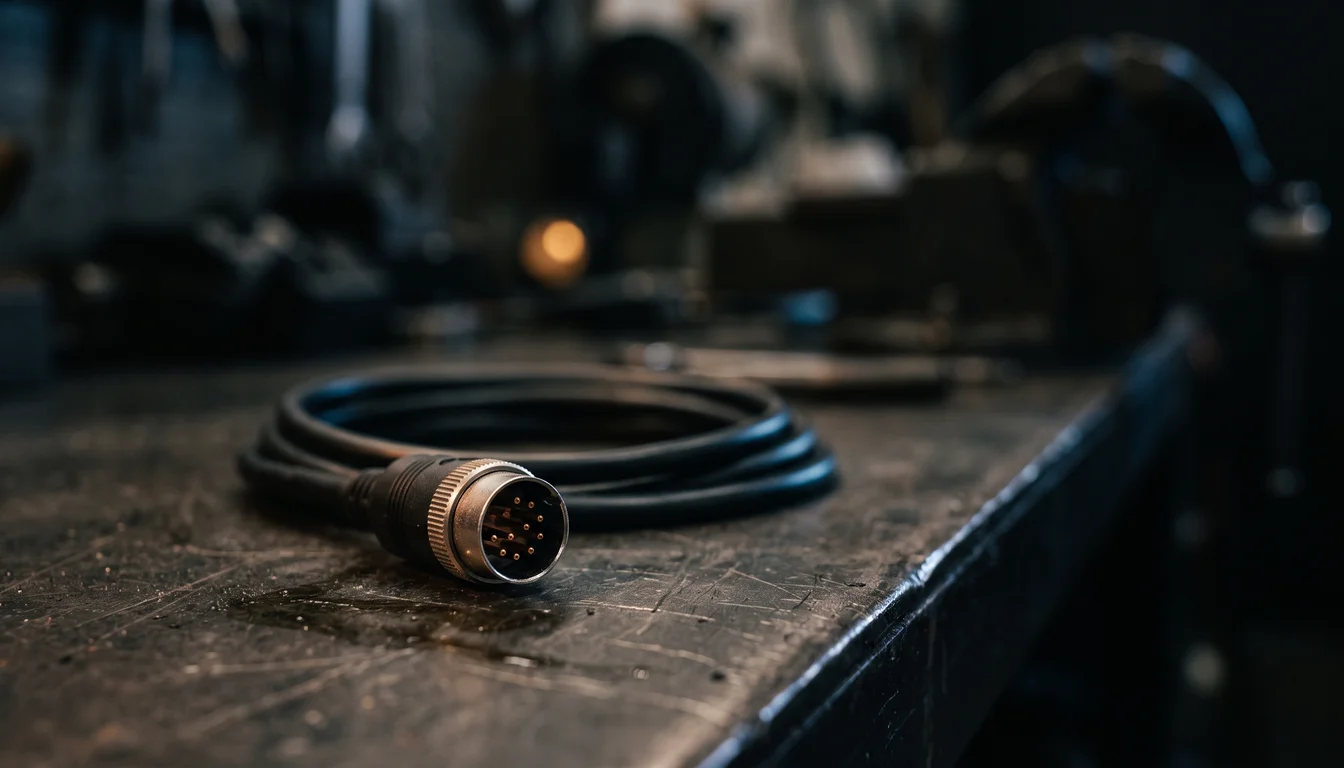
The one decision that matters: the interface. A cheap K+DCAN USB cable with a round 20-pin adapter works for part of an E36; full access to all control units needs an ADS interface. Then two configuration files have to match the hardware.
What INPA gives you
- Fault memories of the DME and the other control units: ABS, airbag, instrument cluster, central body electronics (ZKE), lights (LCM) and so on, with BMW’s own descriptions
- Live data: sensor values, actual vs. target values, battery voltage
- Actuator tests on some control units, run with the car stationary
- Identification: hardware and software versions of the control units
What it is not: a way to make new EWS II keys. Bentley states that EWS II keys can’t be duplicated and replacements come from a BMW dealer.
Hardware
The connector
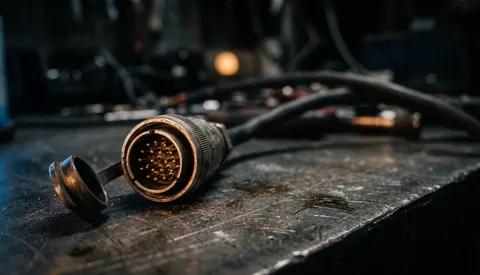
- 1992–1995 (OBD1): the round 20-pin connector under the bonnet is the only diagnostic access.
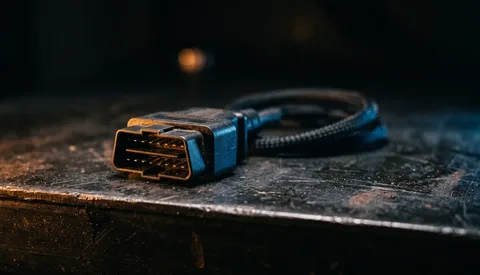
- 1996 on (OBD2): the 20-pin connector plus the 16-pin OBD2 socket on the lower left dash.
The interface
| Interface | E36 support | EDIABAS setting |
|---|---|---|
| K+DCAN USB cable with a round 20-pin adapter | Partial: not every control unit can be reached on an E36 | Interface = STD:OBD |
| ADS interface (serial) | Full access to the E36’s control units | Interface = ADS |
Buying advice:
- If you mainly want the DME, a good K+DCAN cable plus adapter is often enough; test it on your car.
- For everything (ABS, airbag, body electronics, especially on early cars), plan for an ADS interface.
- An ADS interface needs a laptop with a real serial port (classic configuration: COM1). USB-to-serial adapters are a common cause of failure.
The laptop
INPA is old Windows software. A dedicated, offline laptop that does nothing else is the most reliable setup.
Configuration
INPA talks to the car through EDIABAS, its communication layer. Two settings must match your hardware:
- EDIABAS.INI (in the EDIABAS
BINfolder): set the Interface line toSTD:OBDfor a K+DCAN cable, orADSfor an ADS interface. - OBD.INI: set the COM port the cable actually uses, as shown in Windows Device Manager under Ports (COM & LPT). If the cable doesn’t show up there, install its USB-serial driver first.
Most “no connection” problems are one of these two files not matching the hardware.
A note on software sources: INPA and its companion tools are BMW’s proprietary programs. Check the licensing situation of any copy you use.
Connecting
- Connect the interface to the laptop, then to the car’s 20-pin connector.
- Switch the ignition on, engine off.
- Start INPA, choose the E36 and the control unit.
- If it doesn’t connect: check the two settings above, then the ignition, the cable and the connector’s contacts.
What to look at, by control unit
DME (engine)
- Fault memory: read it, note it, fix the causes, then clear it.
- Live data: coolant and air temperature (compare with the real engine temperature), throttle position from idle to full, oxygen sensor switching once warm, battery voltage. Compare with the factory values in the M50 sensor values guide: for example 13.5–14.5 V with the engine running.
- Adaptations: after cleaning or replacing idle and throttle components, the DME needs to relearn. Bentley notes that after a new idle control valve, the idle settles after about 10 minutes of driving.
ABS
Wheel-speed live data finds which sensor drops out. Have a passenger watch the laptop: never read live data while driving.
Instrument cluster, ZKE, LCM
- The cluster stores its own fault memory and service data.
- The ZKE covers central locking, windows and interior lighting. Read it before replacing motors or switches.
- The LCM monitors the bulbs, so it can show which circuit is at fault before you start swapping bulbs.
EWS
Shows the immobiliser’s status and faults. Very useful on a crank-no-start. See the EWS guide.
Coding tools
The INPA package usually comes with BMW’s coding tool, which can change control-unit settings. On the E36 you rarely need it, and mistakes can disable a control unit. If you do use it, read and save the existing coding first, so you can restore it.
Good habits
- Keep the diagnostics laptop dedicated and offline, and back up the whole working EDIABAS installation once it works.
- Don’t leave the interface plugged in with the car parked: it draws current.
- Live data and actuator tests: car stationary, or a passenger operating the laptop.